

Short answer: A Smart Folder is a saved filter, not a real folder. It shows every note that matches rules you choose, most often a tag like #recipe, no matter where the note lives. Notes never move into it, so one note can show up in several Smart Folders.
Smart Folder vs. regular folder
- A regular folder holds notes. Each note sits in exactly one folder, and you move it there yourself.
- A Smart Folder holds nothing. It shows a live list of notes that match its rules. Add the tag to a note and the note appears. Remove the tag and it disappears.
What a Smart Folder can filter by
Tags are the most common rule. Smart Folders can also filter by other things, for example when a note was created or edited, whether it has a checklist or attachments, or whether it is pinned or shared. You can combine several rules.
How to make one
- Tag at least one note first. Type # and a word in the note, for example #project.
- On iPhone and iPad: open the Folders view, tap the New Folder icon, and choose New Smart Folder. On a Mac: choose File > New Smart Folder.
- Give it a name, for example "✱ Projects".
- Pick the tag under Choose Tags, then tap or click Done.
You can sort a Smart Folder by title, date created or date edited. It syncs through iCloud, so it shows up on all your devices.
Where Forever ✱ Notes fits
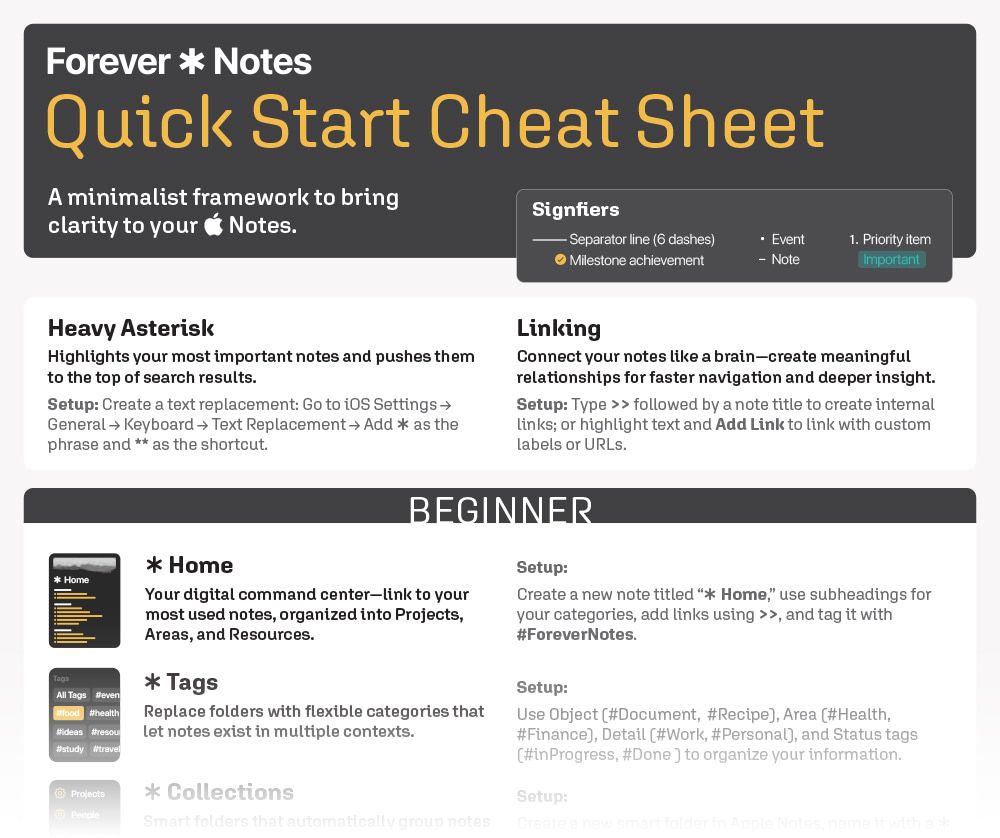
In Forever ✱ Notes, Smart Folders are called ✱ Collections. Every note gets a ✱ Tag, and you make a Collection only for the tags you open often, like ✱ Projects or ✱ People. Finished projects drop off your ✱ Home note but stay in the ✱ Projects Collection, because their tag never changes. You can even link to a Smart Folder from inside a note with a small shortcut.