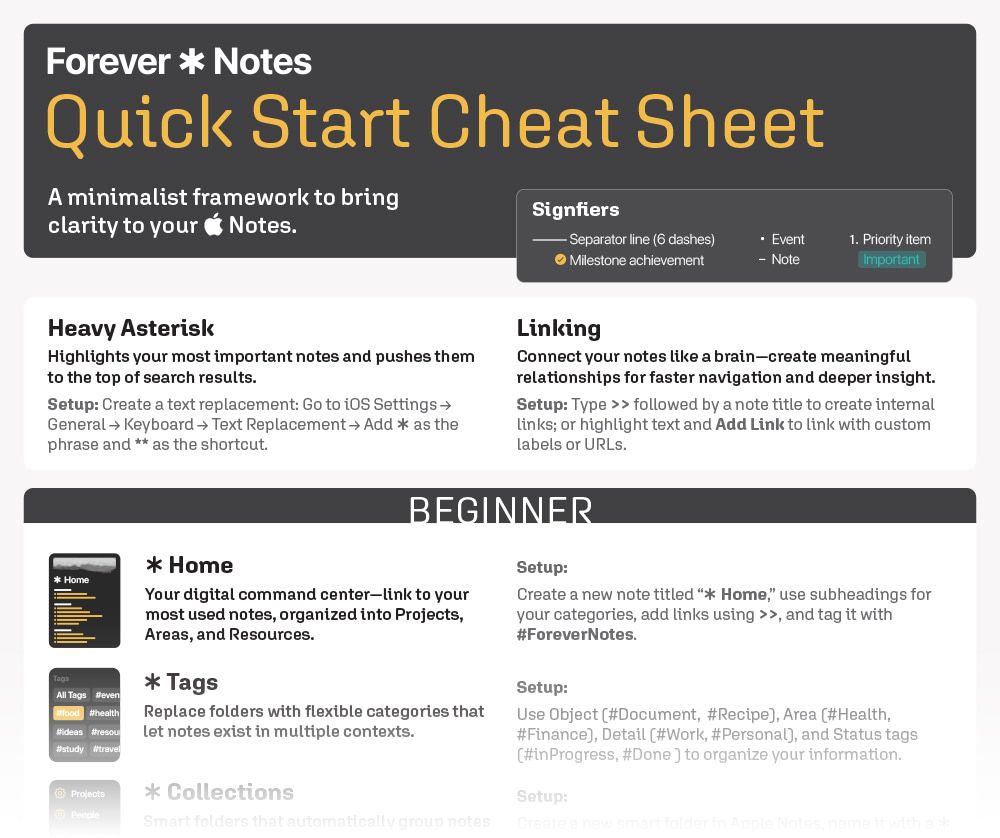


Short answer: Use tags. A note can live in only one folder, but it can have many tags, and a Smart Folder gathers every note with a tag wherever it is. Keep your notes in the default Notes folder and let tags do the sorting.
The difference
- A folder is a place. A note sits in one folder, and you have to remember which one.
- A tag is a label inside the note, like #recipe or #work. A note can have many tags, and they stay with the note wherever it is.
A recipe from a trip can be tagged #recipe and #italy at the same time. In folders, you would have to choose one.
Why tags work better over time
- No filing decisions. You add a word while you type instead of picking a folder.
- Smart Folders do the sorting. A Smart Folder for #recipe always shows every recipe, new and old.
- New linked notes stay together. When you create a note from a link (typing >>), Apple Notes puts it in the same folder as the note you started from. With one folder, nothing gets scattered.
How to move from folders to tags
- Tag the notes in a folder. Open the folder, choose Select Notes from the More menu, select the notes, and add a tag.
- Move them to the default Notes folder. Select them again and choose Move.
- Delete the empty folder once it holds nothing.
You don't have to do it all at once. Start with the notes you use most and move the rest when you open them.
Where Forever ✱ Notes fits
Forever ✱ Notes uses one default folder and no folder tree. Every note gets ✱ Tags for its type (#recipe, #person), its life area (#health, #work) and its status (#inProgress, #done). ✱ Collections turn the tags you use most into Smart Folders. If you have years of notes in folders, the Migrating Legacy Notes guide shows how to switch step by step.